
Getting Tarrant County Court Records
Every Tarrant County court record request has to reach the clerk who actually holds the file. District Clerk records cover district civil, family, and felony cases plus related matters. The County Clerk keeps County Courts at Law civil files and county criminal misdemeanors. It also holds appeals and probate. Justice of the Peace clerks hold precinct civil and Class C records. A city's municipal clerk keeps its citations and ordinance cases.
Online tools are only one route. DCSA offers current district settings plus subscriber access. Odyssey Public Access reaches County Clerk case records and calendars. You can also call the right clerk or go to its counter. Or follow its mail and email instructions for copies. The statewide re:SearchTX service exists too. But the County Clerk says its connection there is temporarily deactivated, so check locally first.
- Identify the court, case type, and cause number from the docket or case papers.
- Decide whether a docket sheet, named filing, order, judgment, or full public file is needed.
- Check the proper county portal before asking staff to research the file.
- Submit the case number and desired copy type online, in person, by phone, mail, or email as that clerk directs.
- Pay the quoted copy, certification, research, and delivery charge, then confirm how the record will arrive.
Need a county administrative record instead of a court case file? The Tarrant Public Information Act portal takes those requests. It cannot lift a seal or open a confidential case record to the public.
Tarrant Court Records Have Two Clerks
Tarrant County runs on a split-clerk system. District Clerk Thomas A. Wilder's office supports most operations for 28 elected courts. It also backs 22 associate judges and magistrates. Its reported workload tops 61,000 new case files and roughly 60,000 magistrate cases each year. County Clerk Mary Louise Nicholson's office serves the County Courts at Law. It also handles the county criminal courts and probate matters. That division is why a broad request sent to "the county clerk" often lands at the wrong office.
| Case level | Record custodian | Useful first route |
|---|---|---|
| District civil, family, felony | District Clerk | DCSA or District Clerk copies |
| County civil, misdemeanor, probate | County Clerk | Odyssey or division request |
| Precinct civil and Class C | JP clerk | Odyssey location or precinct |
| City citation or ordinance | Municipal clerk | Issuing city court |
The District Clerk locations page lists each counter where district records and dockets can be viewed.
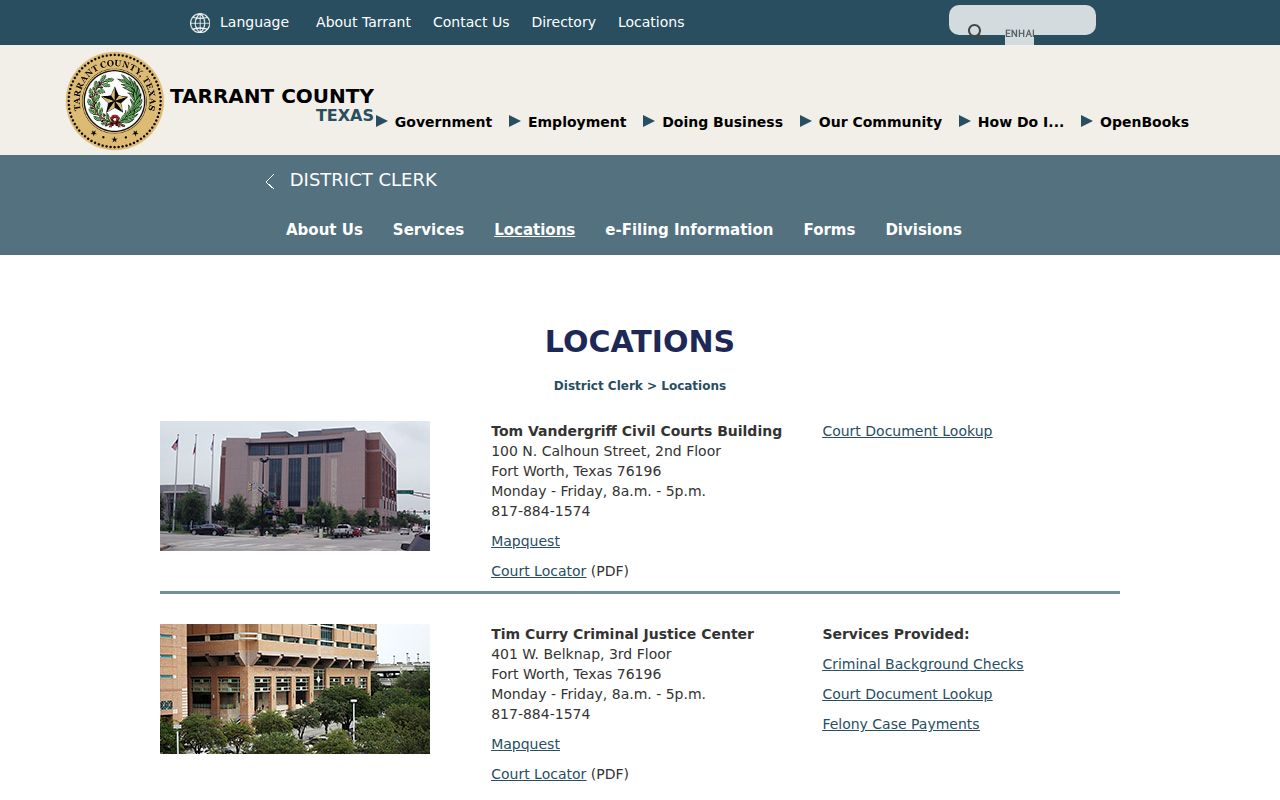
The physical counter still matters. When a portal lacks an old image, or a clerk must authenticate a copy, an in-person visit does the job.
Tarrant County Court Record Types
A docket sheet lists case events in date order, while the filed record supplies the actual text behind many of those lines. Not every item is public. Not every public item has been scanned. Ask for a named filing when you can, rather than an undefined "whole file." Common Tarrant County court records include:
- initiating petitions, complaints, informations, indictments, citations, and probate applications;
- service papers, returns, waivers, answers, pleas, and other responses;
- motions and papers supporting a request for a court order;
- signed orders, final judgments, disposition orders, and cost orders;
- hearing notices, settings, exhibits, reporter references, and jury entries;
- post-judgment enforcement, garnishment, execution, appeal, or satisfaction records.
A transcript is not a docket sheet or a clerk image. Reporter material may need its own order. Exhibits can sit under release rules that differ from the main electronic file.
Tarrant Documents Behind the Docket
The Tarrant County docket is an index, nothing more. An "order" entry tells you the clerk recorded one. But the signed document controls its exact terms. A motion entry marks a request, not a ruling. A judgment line may state the result. Yet it can leave out terms that appear in the filed judgment itself. That is why a short portal label should never be read as the whole case.
The county's DCSA entry points are laid out on the official District Clerk portal.
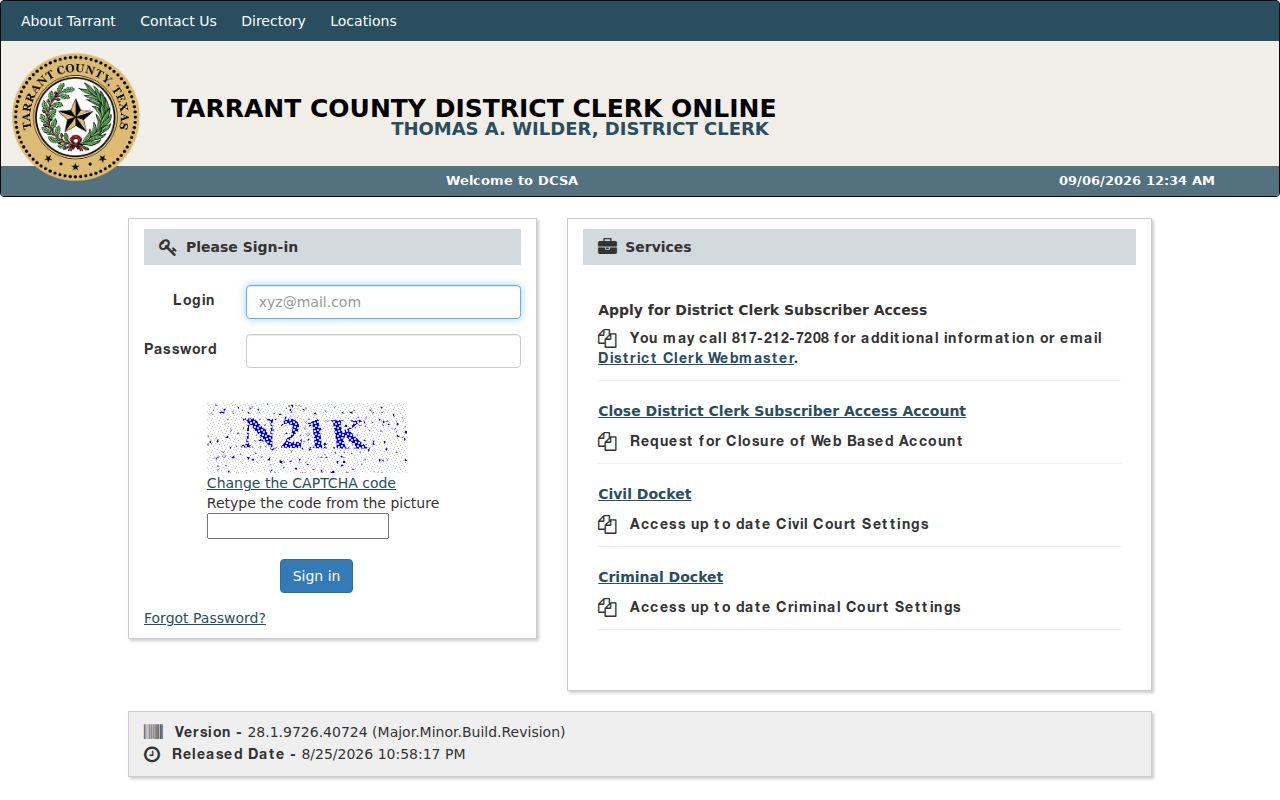
Separate civil and criminal choices are a hint: a current setting is not a complete document request. Search the docket, note the cause number, then name the exact filing you need.
Request precisely: Give the clerk the court, cause number, document title, filing date if known, copy format, and whether certification is required.
Inside a Tarrant County Court Record
A Tarrant County court record can blend index fields with downloadable documents. The inventory below describes common fields without private case data. What you get depends on the court, the case age, your access level, and any legal restriction.
| Cause number | The court-assigned identifier and best request key; use it exactly as the clerk displays it. |
|---|---|
| Court and case type | The division and broad classification that route the request. |
| Party and filing data | Public names, roles, filing date, and caption where disclosure is allowed. |
| Event register | The chronological docket of service, motions, settings, orders, and disposition. |
| Document control | An image or download option when the filed item is public and digitized. |
| Next setting | A listed hearing date that should be confirmed with the court when time-sensitive. |
A missing image does not mean nothing was filed. The item could be paper-only, archived, redacted, sealed, or excluded from remote display. Ask the clerk to tell an absent index entry apart from an image that simply is not available.
Tarrant Historical Court Record Limits
Tarrant County started remote lawsuit filing in 1995. It added web image access in 2004 and entered the statewide e-filing era in 2014. Files older than those milestones may look nothing like a modern born-digital case. Some records take a clerk search or a paper pull. Others need microfilm review or help from the Tarrant County Archives.
History sets real limits here. The county dates to 1849. Fort Worth became the county seat in 1860. An 1876 courthouse fire destroyed early county records. "Not found online" can mean the record predates the portal or sits offline. It may be legally restricted or lost. It never proves a case event failed to occur.
Note: when asking about an old Tarrant County court record, give the court name and date range. Those clues can guide an archive search.
Fees and Certified Copies
A non-certified copy is just an ordinary paper or electronic reproduction. A certified copy carries the clerk's authentication and seal. Pay for certification only when the receiving person or agency requires it. A downloaded portal image is not certified merely because it came from an official system. In short, the seal is what matters. So ask for certification only when it is truly needed.
| District Clerk item | Current amount |
|---|---|
| Record research without a case number | $5 |
| Non-certified paper copy | $1 per page |
| Non-certified electronic, pages 1 through 10 | $1 total |
| Non-certified electronic, page 11 onward | 10 cents per page |
| Certified paper copy | $1 per page plus $5 seal |
| Certified electronic copy | Electronic tier plus $5 seal |
The District Clerk copies page controls current prices and delivery instructions. It says personal checks and FedEx are not accepted. County Clerk and JP schedules differ, so do not apply this table to every Tarrant County court record.
The official copy workflow is illustrated on the District Clerk source.
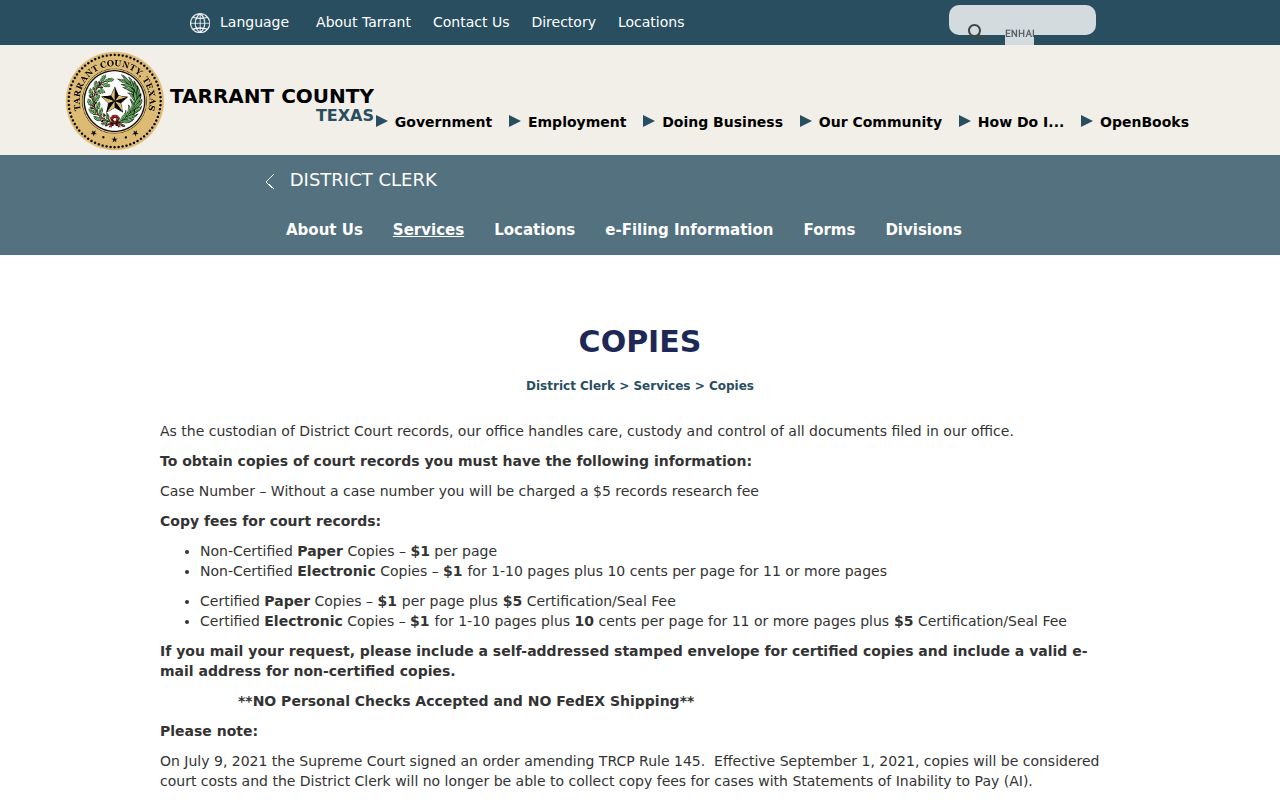
Paper, electronic, certified, and non-certified copies each carry their own price on that page. That is why the first request should state the format you want.
Tarrant County Clerk Copy Workflow
County Court at Law copies take a different route in Tarrant County. Start with a call to 817-884-1069. Be ready to give the copy type and the court. Include the document type, the case number, and the page count. The County Clerk then has you pay through its linked service. You contact the division once payment clears. For civil records, the main contact sits at 100 West Weatherford Street, Suite 130, Fort Worth, Texas. It is reachable at 817-884-1195. Before sending any money, read the County Clerk copy instructions. They show the exact steps the office expects for County Courts at Law.
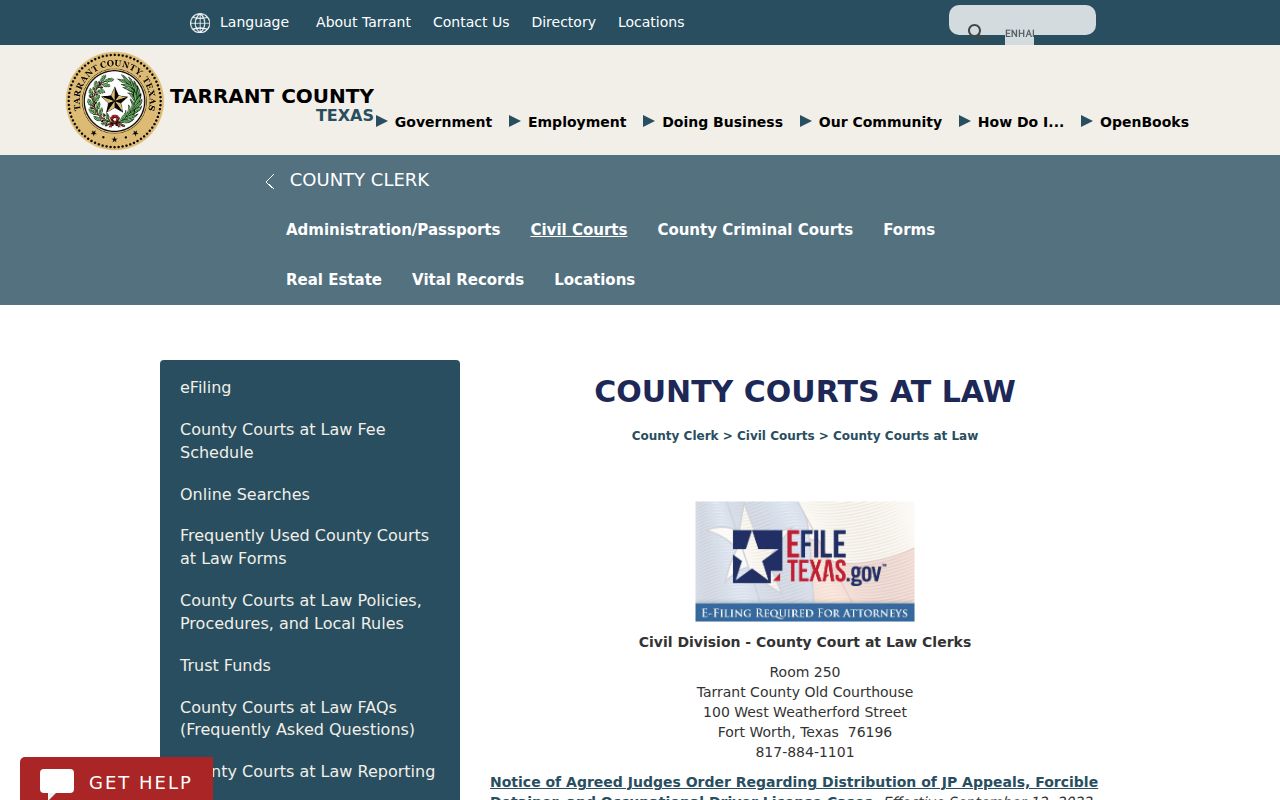
Remember that this call-then-pay sequence applies only to County Courts at Law. Probate, county criminal, and JP copy requests go through whichever division or precinct actually holds the file.
Tarrant County Clerk Civil Division
100 West Weatherford Street, Suite 130
Fort Worth, TX
817-884-1195
Tarrant Court Record Counter Access
Remote tools help, yet the public counter still matters. The District Clerk posts its public locations for district court files, while the County Clerk routes County Court at Law requests through its own division. Come prepared. Bring the cause number, the court, and a short list of the documents you need. Staff can point you to whatever public copies exist, but they will not hand over material that a law or court order protects. If an old case has no remote image, a public terminal or a clerk's help can still close the gap. Call ahead when the file might sit in storage, when you need certification, or when your trip depends on same-day access. That one phone call can save a wasted drive to the courthouse.
Sealed Tarrant Court Record Access
Public access to a Tarrant County court record has limits. Several rules draw the lines. Texas Rule of Civil Procedure 21c requires redaction of Social Security numbers, account numbers, birth dates, home addresses, and similar sensitive data. Texas Family Code Section 58.008 shields certain juvenile law-enforcement records. After an expunction, Texas Code of Criminal Procedure Chapter 55A restricts release. So a docket event can stay visible even while its image stays withheld or redacted.
The Texas judiciary open-records policy draws one more line. It separates court case records from administrative judicial records. Texas Rule of Judicial Administration 12 governs access to many non-case judicial records. The Texas Public Information Act, Government Code Chapter 552, covers county public information. It is not the usual route to case documents.
Key access rules: Use the clerk’s court-file procedure for pleadings and orders. Use Rule 12 for covered administrative judicial records. Use the Tarrant County PIA process for county operational records within Chapter 552.
Tarrant County accepts PIA requests several ways. You can send yours online, by mail, by fax, by email, or in person. A response may not come within 10 working days. Then the county gives a reasonable written date instead. That clock does not apply to ordinary copy orders, so do not confuse the two tracks. If you need help finding the case before ordering copies, try the Tarrant County case lookup first.